Same procedure, new Content Corpus each day. Today: Mid Term Prep Day 2. Monday's form is saved.
Stage 1 · Sweep the data — clean out what you already know
- Three days, three Content Corpora. Open today's and File → Make a copy. Put your name on the copy.
- Read and strike. Cross out every ¶ you already know cold. What is left is your still-shaky data.
Stage 2 · Model the data — send it to MuggsOfStudy with your prompt
- Split what's left into four roughly-equal chunks.
- One chunk per tab. Paste the ¶s. Add a study preference prompt (flashcards, quiz me, simpler words, an example). Generate. Re-prompt if the shape did not land.
Stage 3 · Persist to your study guide — submit each output
- Copy this chunk → paste into the matching item on the right. Chunk 1 → item 1. Submit. Then Edit your response for the next chunk.
Done when: all four items on today's form are filled and submitted. That is what prints on your midterm guide.
If you're stuck
- Output is vague or too long? Cut the chunk smaller, or ask for something more specific. Generate again.
- Generate is greyed out? You sent the exact same thing twice. Change the prompt or the chunk.
- Meter close to 3,000 words? That is your full 6-page budget. Tighten a chunk before you add more.
- Not sure what's on the test? These are the passages, anchors, and schematics that will be on Thursday’s test. If it’s not there, it’s not on Thursday.
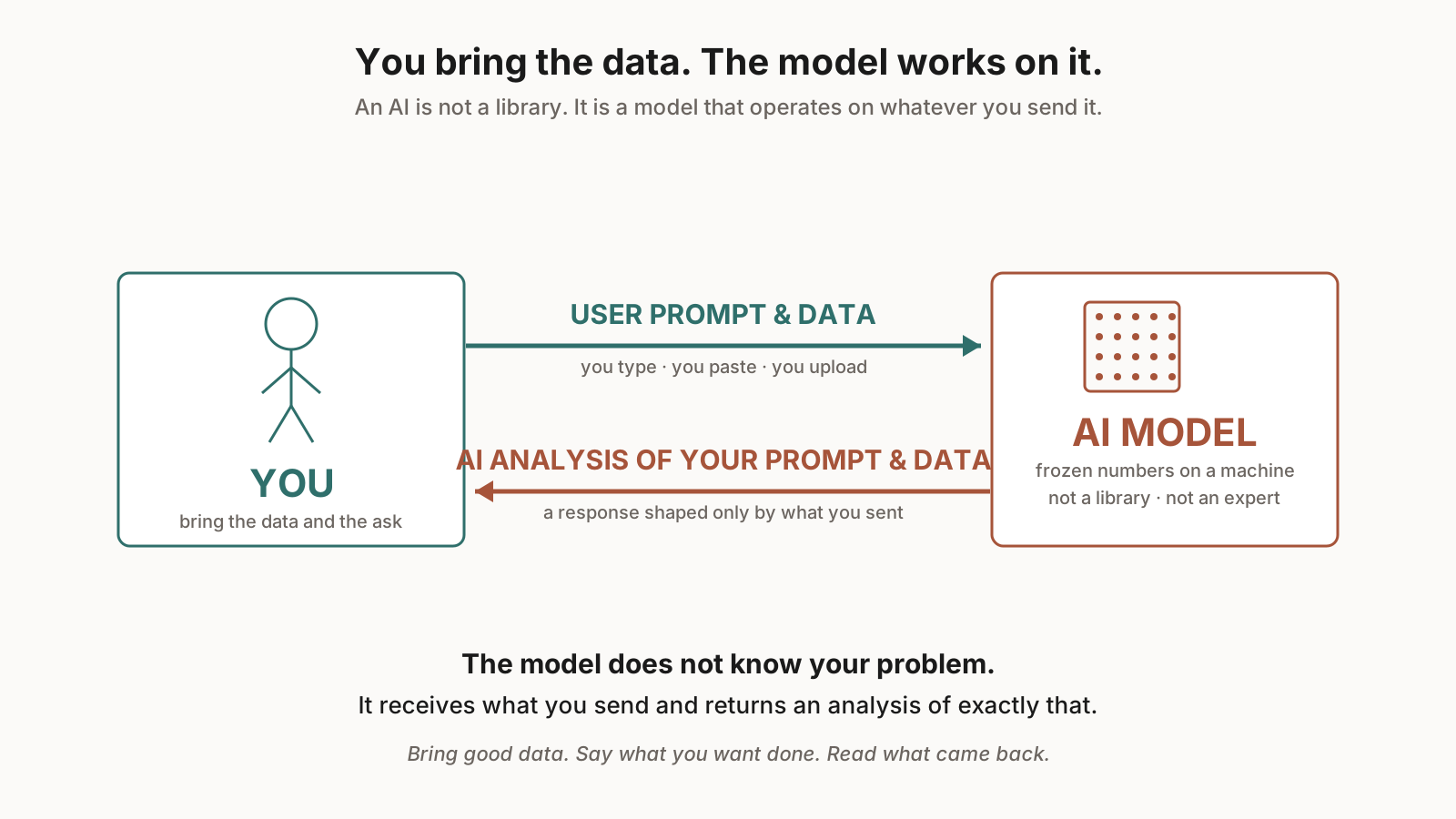
You and the model
Checking the window …
Exit ticket opens the last 15 minutes of class.
The pop-out reminder will appear when it is time. If it does not, come back to this slide.
Exit ticket is open.
Open Exit Ticket in a new tab ↗
Close other tabs so Locked Mode does not kick you out. Submit before the bell.
Exit ticket window has closed for this period.
Exit tickets cannot be made up. An excused absence drops the missed piece from the week's average; unexcused counts as zero.
Exit ticket is available during the last 15 minutes of class.